NEEWER LIGHT SYNC
Firelight beyond the screen.
Bring HearthGlow into the room with synchronized NEEWER ambient lighting. Connect a supported Bluetooth light and let the glow accompany the scene on your iPad, iPhone, Mac, or Apple TV.
Download HearthGlowSee NEEWER light sync in action.
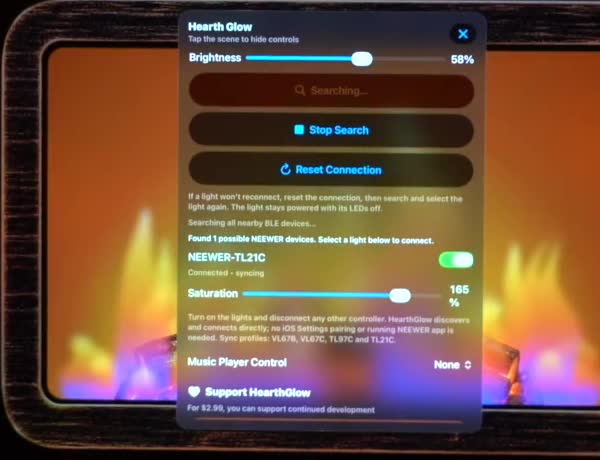
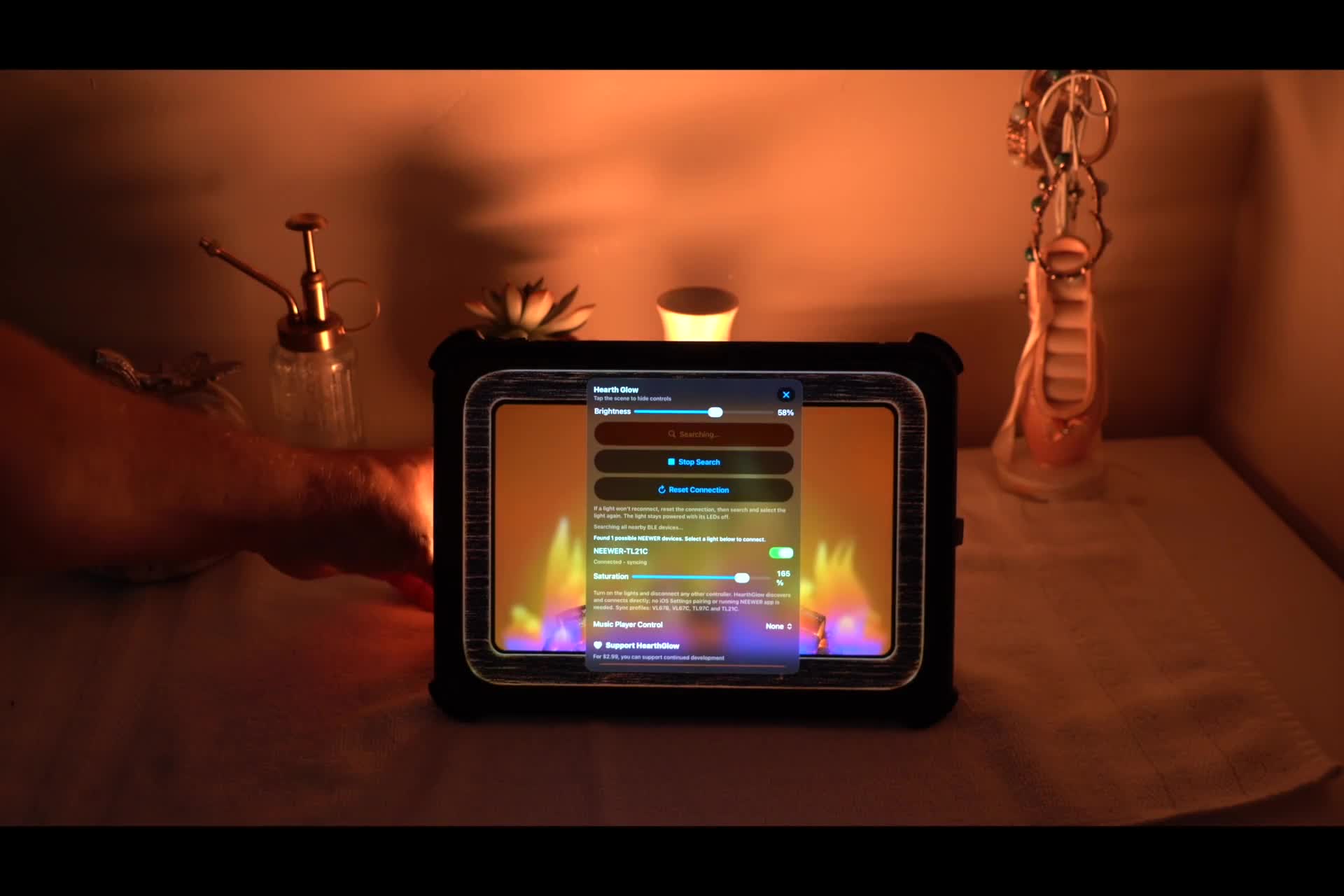
Watch HearthGlow on iPad extend its glow into the room with synchronized NEEWER ambient lighting.
Connect over Bluetooth
HearthGlow connects to supported NEEWER lights over Bluetooth. Enable Bluetooth on your device and allow HearthGlow to use it, then open the app’s light controls to search for and select your light.
If a light is not appearing, make sure it is powered on and disconnect it from any other app currently controlling it before searching again. Keep it nearby while connecting.
Validated NEEWER models
These four models have been validated with HearthGlow. Choose an RGB model for colored lighting; the VL67B provides warm-to-cool white light.
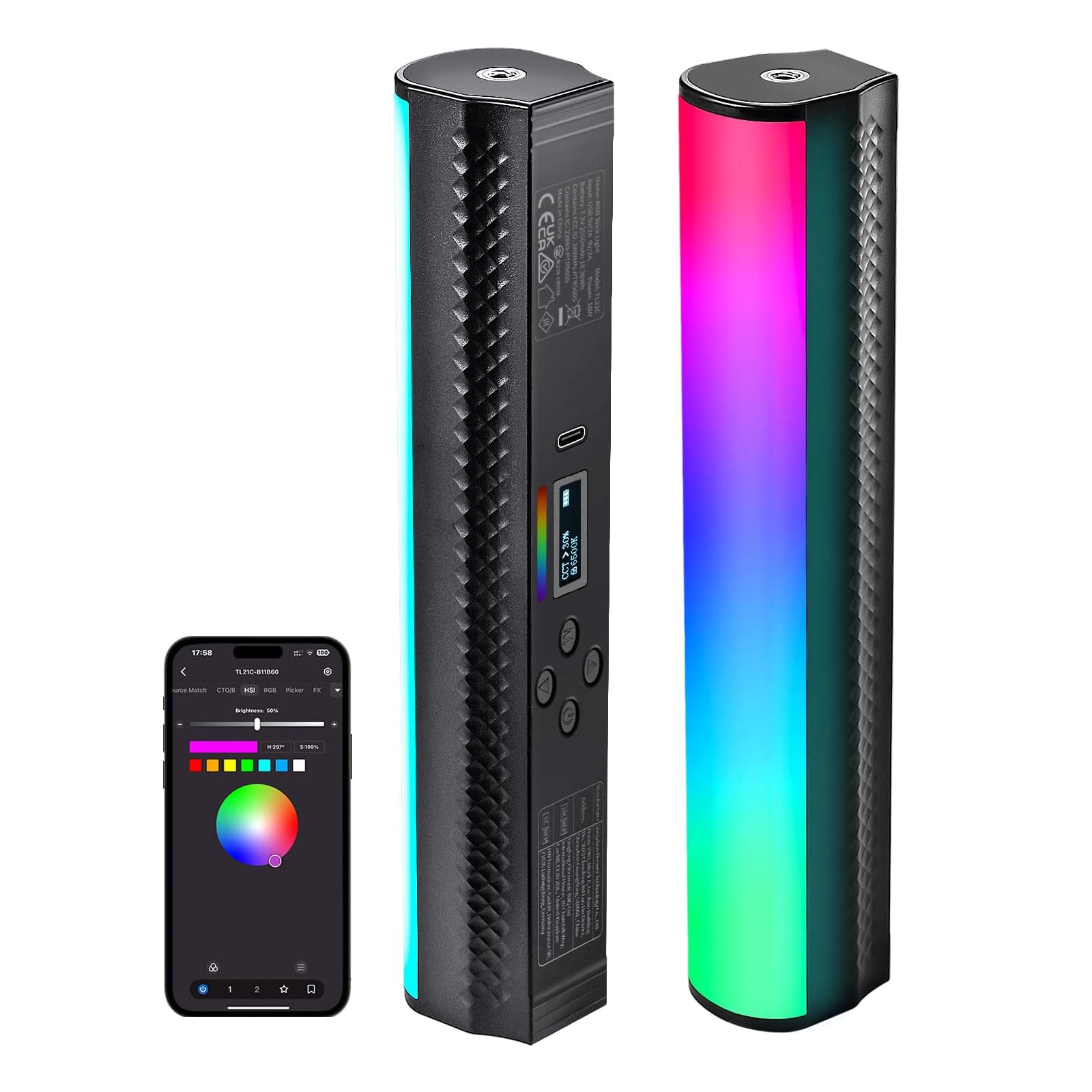
NEEWER TL21C
A longer RGB light wand for adding a wash of ambient color to your space.
Shop at NEEWER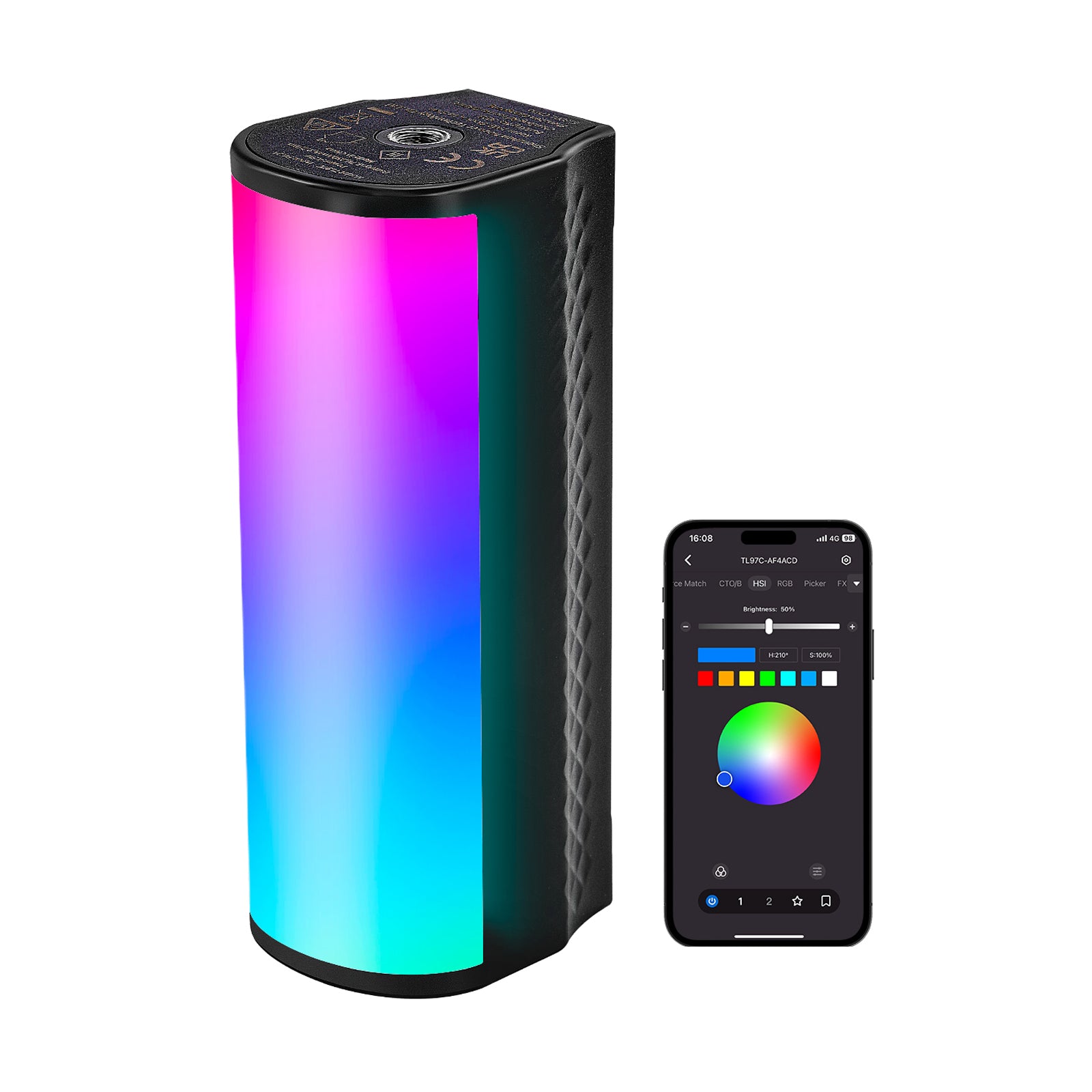
NEEWER TL97C
A compact light stick for a wash of color behind your screen or along a wall.
Shop at NEEWER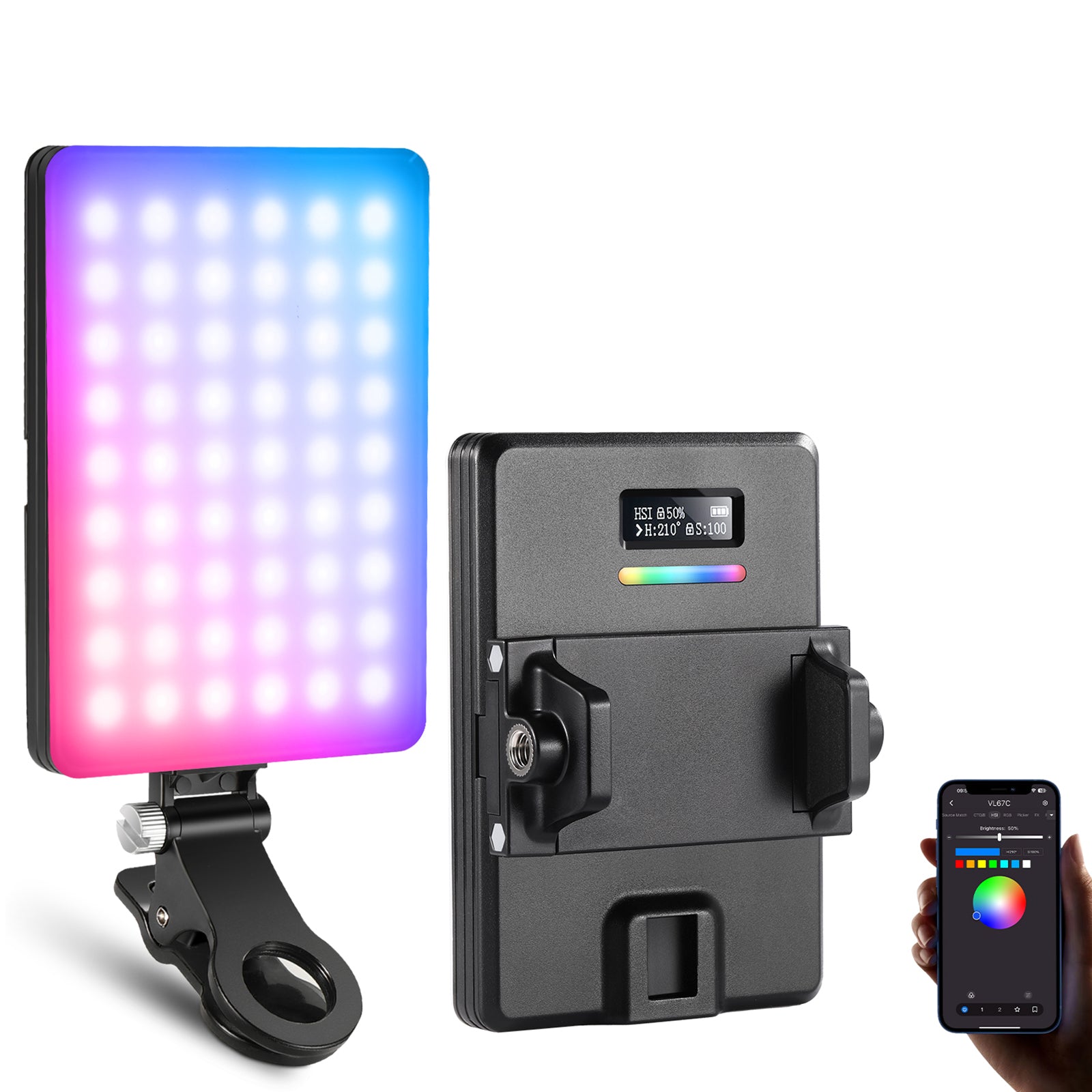
NEEWER VL67C
A small, colorful companion for adding ambient light to your favorite corner.
Shop at NEEWER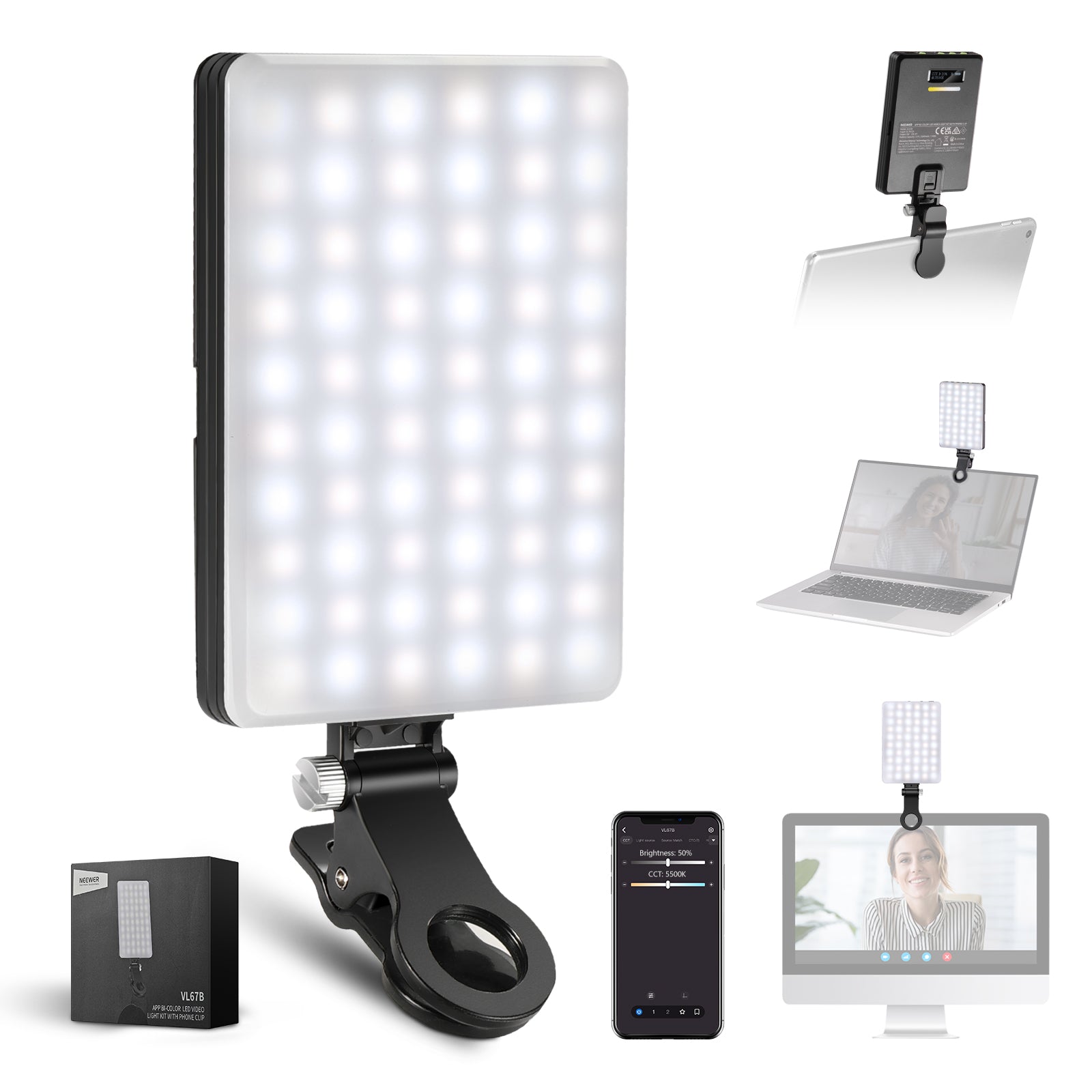
NEEWER VL67B
Warm-to-cool white light for a softer background glow. This model does not produce RGB colors.
Shop at NEEWERValidated models: TL21C, TL97C, VL67C, and VL67B. Other app-controlled NEEWER models may also work, with varying results. Available colors and lighting behavior depend on the model.
Match the light to the moment
Place a light behind your screen or aim it toward a nearby wall for a diffused glow. Use HearthGlow’s light controls to find a comfortable brightness for the space.
Explore virtual fireplace effects or add a seasonal mood with Fall & Halloween ambience and holiday lighting.
Find your glow.
HearthGlow for iPhone, iPad, Mac, and Apple TV.
Choose your App Store download